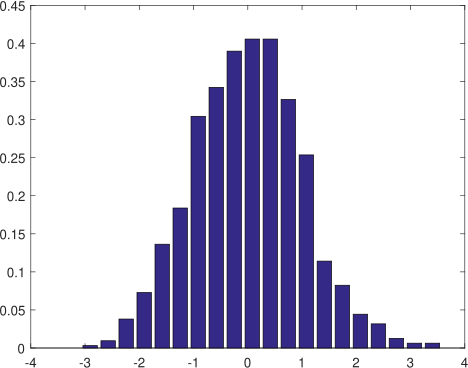
3.14 Make a histogram of data sampled from some probability distribution
This example uses the normal distribution. First random data is generated, then histogram of the data is made.
Matlab do not have an option, (unless I missed it) to make a relative histogram (this is where the total area is 1) but not hard to implement this.
| Mathematica data = RandomReal[NormalDistribution[],1000]; Histogram[data,30,"ProbabilityDensity", ImageSize -> 300]]
|
|